
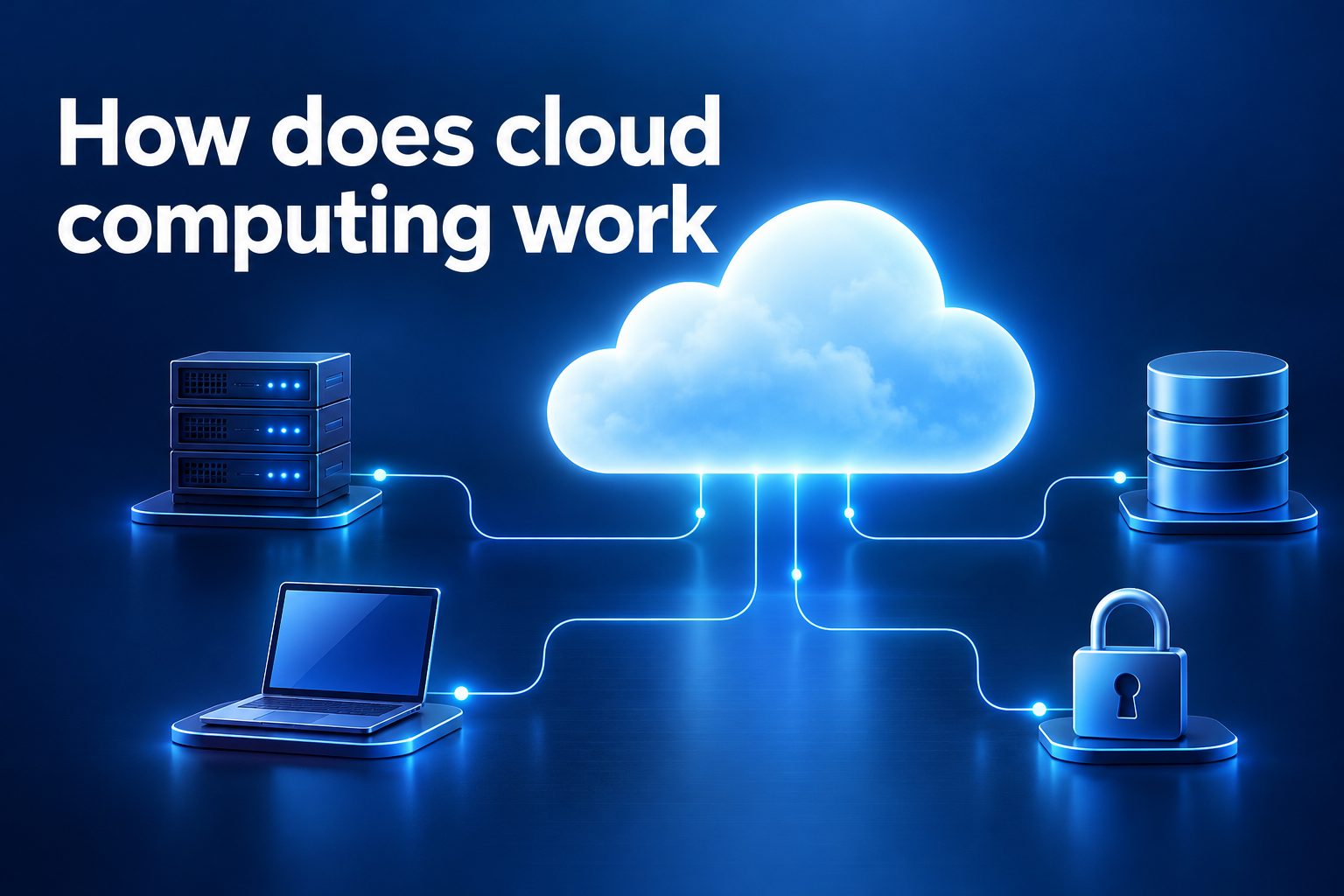
Cloud computing works by delivering computing resources such as storage, software, processing power, databases, and security tools over the internet. Instead of buying and maintaining every server in an office, people and businesses can use remote data centers run by cloud providers.
Most people already use cloud computing when they stream video, save photos online, use web-based email, or collaborate in a shared document. The technology runs quietly in the background, making digital services available from many devices and locations.
This guide explains how cloud computing works, why it matters, the major service models, practical examples, common risks, and smart ways to use cloud services effectively.
At its core, cloud computing moves computing tasks away from a single personal computer or local company server. A provider operates large data centers filled with powerful machines, networking equipment, and storage systems.
When a user opens a cloud application, their device sends a request through the internet. The provider’s systems receive that request, identify the user, process the needed work, and send the result back to the device.
The physical machines behind cloud services are organized using virtualization. This allows one powerful server to act like several separate virtual machines, so resources can be shared efficiently without mixing one customer’s data with another’s.
Cloud platforms also use automation to assign storage, computing capacity, and network resources as demand changes. A small website may use limited resources overnight but automatically receive more capacity during a busy sales event.
This approach gives users access to advanced technology without needing to manage every hardware detail. However, the provider manages the underlying infrastructure while the customer still has responsibilities for data, access, and configuration.
How Does Cloud Computing Process A Request?
1. A User Sends A Request
The process starts when someone uses an app, visits a website, uploads a file, or asks a connected device to perform an action. Their phone, laptop, or browser sends encrypted information across the internet to the cloud service that supports the task.
2. The Network Finds The Service
Networking systems direct the request toward the appropriate cloud location. Providers use many connected data centers and traffic-management tools to choose a healthy, nearby, or less busy route, helping services respond quickly and remain available during heavy demand.
3. Identity And Permissions Are Checked
Before granting access, the cloud service confirms who is making the request. It may check a password, security key, multifactor code, device details, or access token, then compare that identity with the permissions assigned to the user or application.
4. Computing Resources Handle The Work
After authentication, virtual servers, containers, or serverless functions perform the requested calculation. This could mean searching a database, editing an image, generating a report, processing a payment, or loading the information needed for a web page.
5. Data Is Read Or Updated
The application retrieves data from cloud storage or a database and may write new information back. Providers can copy important data across systems so that a hardware problem in one location is less likely to make the information unavailable.
6. The Result Returns To The Device
Once processing is complete, the cloud service sends a response back through the network. The user may see a completed transaction, a refreshed dashboard, a streamed video segment, or a file ready to download, often within seconds.
7. Monitoring And Billing Continue
Cloud platforms continuously monitor performance, errors, capacity, and security events. They also measure resource use, which supports pay-as-you-go billing and helps customers see whether an application needs more capacity, better efficiency, or stronger controls.
What Are The Main Cloud Service Models?
1. Infrastructure as a Service provides virtual machines, storage, and networking. It suits teams that want control over operating systems and applications without owning physical servers.
2. Platform as a Service provides a managed environment for building and deploying applications. Developers can focus more on code while the provider handles much of the underlying infrastructure.
3. Software as a Service delivers ready-to-use applications through a browser or app. Email platforms, customer relationship tools, and online accounting systems are common examples.
4. Serverless computing lets developers run small pieces of code when an event occurs. The provider automatically manages the servers and scales the execution based on demand.
5. Managed cloud services add specialist support for databases, analytics, security, and artificial intelligence. They reduce operational effort but require careful review of pricing, controls, and portability.
Why Cloud Computing Is Important
- Flexible Capacity: Cloud resources can grow or shrink quickly, allowing organizations to respond to changing traffic, seasonal demand, or new projects without long hardware purchasing cycles.
- Lower Upfront Costs: Customers usually avoid buying large amounts of equipment in advance. They pay for the services they use, although usage must be monitored to prevent unexpected bills.
- Remote Access: Authorized users can access files and applications from different locations and devices, which supports distributed teams, field workers, and business continuity planning.
- Faster Deployment: A virtual server, database, or storage space can often be created in minutes. This helps teams test ideas and launch services faster than traditional infrastructure approaches.
- Reliable Architecture: Major providers offer tools for backups, replication, automatic recovery, and multiple locations. These tools can improve resilience when customers configure and test them correctly.
- Access To Modern Tools: Cloud platforms make advanced analytics, machine learning, content delivery, and security capabilities more accessible to organizations that may not have the staff or budget to build them internally.
- Shared Responsibility: The provider secures and maintains parts of the platform, while customers protect their accounts, settings, applications, and data. Knowing where responsibility changes is essential for safe cloud use.
How Can You Use Cloud Computing Safely?
1. Choose Services For A Clear Need
Start with a defined business or personal goal, such as backup storage, team collaboration, website hosting, or data analysis. Choosing a service because it solves a real problem makes costs, ownership, and success measures easier to manage.
2. Protect Every User Account
Use strong, unique passwords and multifactor authentication for all important cloud accounts. Give each person only the access needed for their role, and remove accounts or permissions promptly when responsibilities change.
3. Classify Data Before Moving It
Identify which data is public, internal, confidential, or regulated before uploading it. Sensitive records may need encryption, restricted sharing, retention rules, and specific geographic storage arrangements to meet organizational or legal requirements.
4. Set Spending Alerts And Limits
Pay-as-you-go pricing is useful, but idle servers, unused storage, and unexpected traffic can increase costs. Create budgets, usage alerts, and regular reviews so teams can identify waste before it becomes a significant expense.
5. Back Up Important Information
A cloud service is not automatically a complete backup strategy. Keep recoverable copies of critical data, protect them from accidental deletion or ransomware, and test restoration so the recovery process works when it is truly needed.
6. Monitor Configurations Continuously
Many cloud security problems result from incorrect settings rather than a failure of the provider’s hardware. Review who can access storage, databases, networks, and administrative tools, especially after changes to applications or teams.
7. Plan For Service Interruptions
Even highly reliable cloud services can experience outages, regional failures, or connectivity problems. Decide which systems need redundancy, document manual alternatives, and test how operations will continue if a key service becomes temporarily unavailable.
Cloud computing works through remote data centers, internet connections, virtualization, automation, and managed services. It gives users access to computing power and applications without requiring them to operate every physical server themselves.
Its value comes from flexibility, scalability, faster deployment, and broad access to modern tools. At the same time, effective cloud use depends on careful account security, data protection, cost monitoring, and sensible configuration.
The best approach is to match each cloud service to a clear need, learn the shared responsibilities, and review how the service performs over time. That balance helps individuals and organizations gain the benefits of the cloud while managing its risks.
FAQs About Cloud Computing
1. Is Cloud Computing The Same As The Internet?
No. The internet is the global network that connects devices and services. Cloud computing uses the internet to deliver computing resources from remote data centers, including storage, software, databases, and processing power.
2. Does Cloud Computing Require An Internet Connection?
Usually, yes. Most cloud services need an internet connection so a device can communicate with remote systems. Some applications offer limited offline work, then synchronize changes with the cloud when a connection becomes available again.
3. Is Data In The Cloud Secure?
Cloud data can be highly secure, but security depends on both the provider and the customer. Providers protect infrastructure, while users must secure accounts, configure permissions correctly, encrypt sensitive information, and monitor for unusual activity.
4. What Is A Public Cloud?
A public cloud is a service offered by a third-party provider to many customers through shared infrastructure. Each customer’s environment is logically separated, while the provider operates the physical hardware, networks, and data centers.
5. Can Small Businesses Benefit From Cloud Computing?
Yes. Small businesses can use cloud computing for email, file sharing, backups, websites, accounting, customer management, and collaboration. It can reduce the need for in-house servers and provide access to tools that scale as the business grows.
6. What Happens If A Cloud Provider Has An Outage?
A service may become slow or unavailable until the provider restores it. Customers can reduce disruption by using backups, multiple locations, redundant services where appropriate, and a tested continuity plan for essential business operations.